

Trader or Space Admin. A Viewer sees the switch disabled: “Needs the Trader or Space Admin role”.
The three states

Switch the state
The switch is saved on its own, at once; you do not press Save. A note beside it says when the new state is live, such as Applied or Live in ~10 s, and the Saves tray follows it.- LaserCat layout: click Active or Paused at the top of the job, next to its name. On a wide list, a row’s pause or play icon does the same.
- Classic layout: the switch on the job’s row, or at the top of its page, turns it on (Active) or off (Paused).
- In either layout, a row’s ⋯ menu (or a right-click on the row) has Activate or Pause.
How long a switch takes
Turning something off applies at once; turning it back on takes about 10 s.
See Saving changes for how other edits apply.
Delete a job
Deleting a job archives it: it stops buying for good and moves to the archive.1
Open the menu
Open the job’s ⋯ (on its row, or More job actions at the top of the job) and choose Delete job….
2
Confirm
The dialog asks “Delete name?”: “The job stops buying for good and moves to the archive. Open positions keep their exits, and its history stays.” Press Delete.
Snipe LP: Armed and Re-arm
A Snipe LP job buys once per round. Its page shows where the round stands: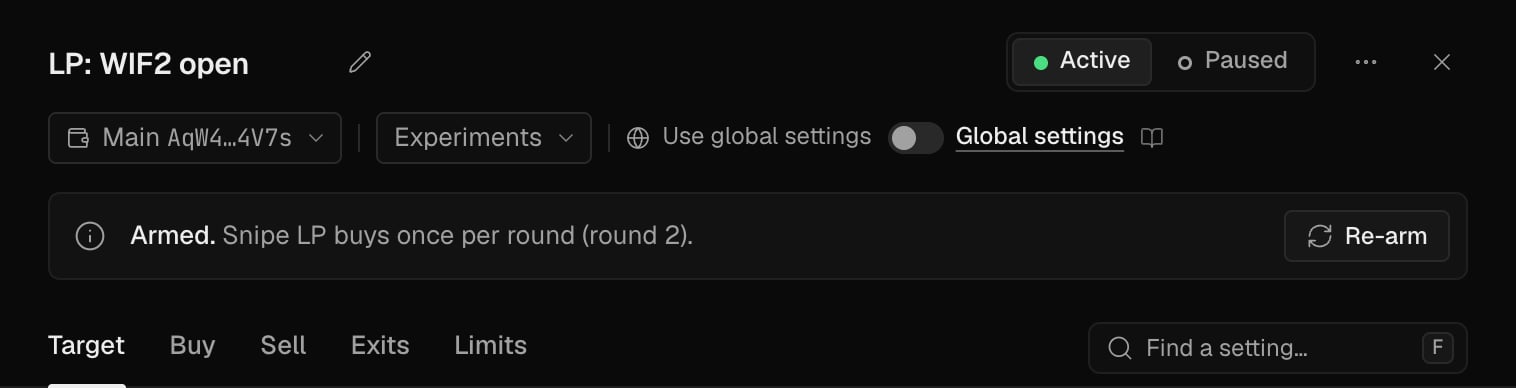
Re-arm starts a new round, so the job buys once more. It is a structural change and applies in about 60 s. See Job commands.
Other things that stop new buys
The state is one switch among several. These also stop a job’s new buys, and none of them changes its state. A halt, a limit, and active hours show in a callout on the job’s page, and in the Classic layout in its row’s state, for example Halted: max buys.
Exits keep running through all of them. Pausing a halted job and setting it back to Active does not clear the halt, and neither does Resume buying: only Resume job or Reset limits does. See Limits and dev rules, Stops, and Wallet states.
Next
Job commands
Resume job, Reset limits, and Re-arm.
Groups, labels, and bulk actions
Switch many jobs at once.