

Direct and routed buys
A routed buy goes like this:
- Quote: the token the coin’s pool is paired with, such as PUMP, an xStock, or USDC.
- Hop: one swap on the way into the quote. One hop goes from SOL to the quote through one pool; two go through one coin in between; three through two.
- Hub: a coin in between SOL and the quote.
- Coin’s buy: the last swap, the quote into the coin, on the coin’s venue (the Pump curve, PumpSwap, Raydium, Meteora, and others).
Which setting acts where
Snipe jobs and copy jobs have route settings. A Snipe LP job has none.
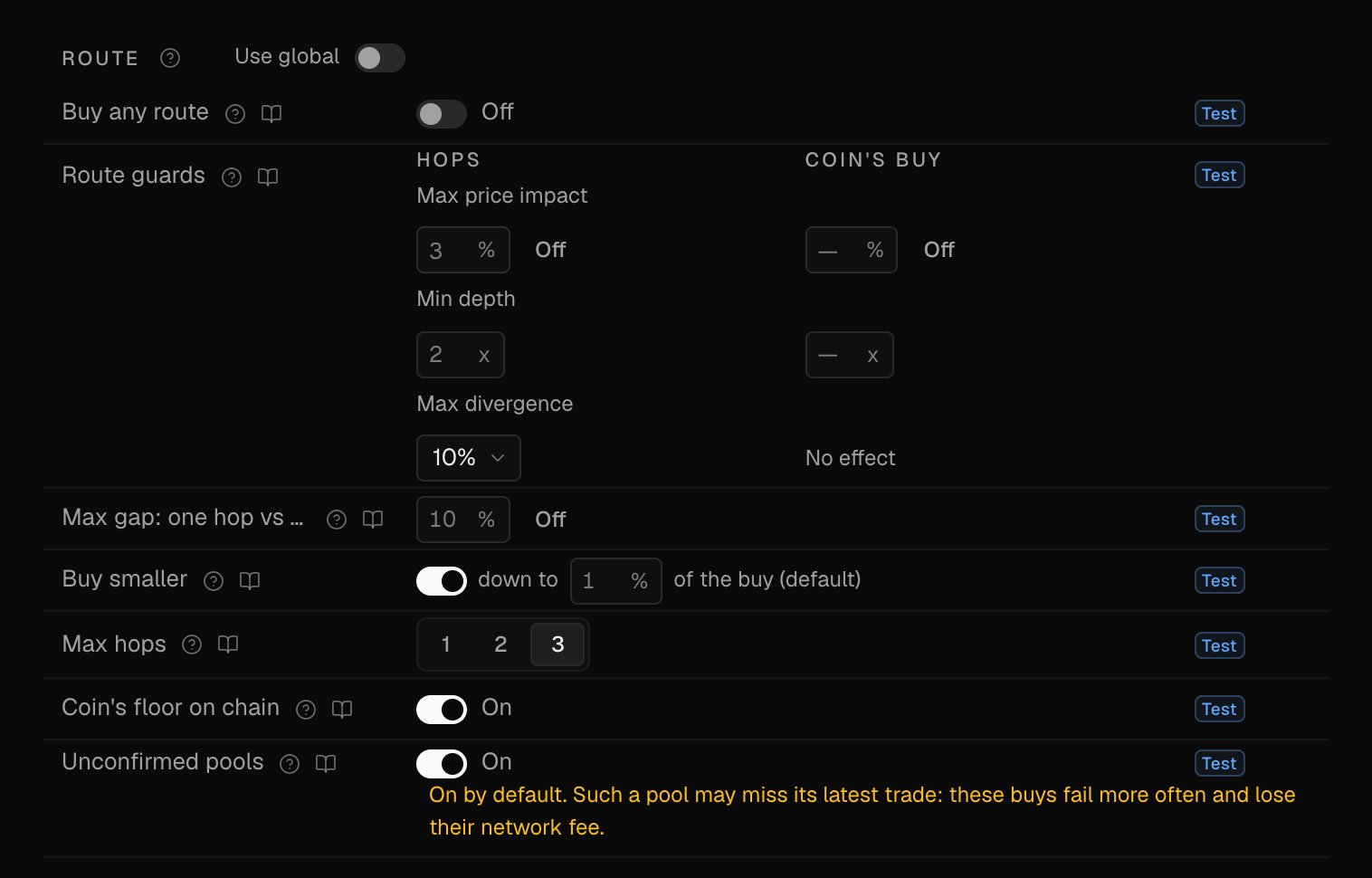
Where a value comes from
One setting may be set in several places. For each dev, the engine builds the value layer by layer, and each later layer that sets it wins over the ones before:1
Global settings
Where the job follows a group (that group’s Use global switch is on), the group’s values come from here, and the job’s own values do not apply. See Global settings.
2
Job
The job’s own values: for the groups it does not follow, and for every other setting.
3
List preset
A dev snipe list’s trade preset: what it sets (its Set here switch on) replaces the job’s value for that list’s devs. The rest inherits.
4
Entry preset
One list entry’s preset: replaces the list’s preset for that dev.
5
Entry
The entry’s own settings: they win over everything else for that dev.
An open position sells with the sell and way-back settings it was bought with. An edit of the job, a preset, or the global settings applies to the next buys. To change an open position’s exits, edit them on the position: see Positions.
What “empty”, “0”, “Off”, and “default” mean
Each setting’s values are on Slippage and Route guards.
Next
Slippage
Buy, hop, sell, and way-back slippage, with numbers.
Route guards
Which routes a buy accepts, and what Buy any route does.
Scenarios and common mistakes
Ready setups, and what passes or gets skipped.
Global settings
One set of slippage, fees, and route values for many jobs.