


Setting up
Open a wallet’s row to follow its setup. Under its settings, one line sums it up, such as “Setup ✓ · Nonces 179/179 ready”:- Hover Setup for its parts: Admin nonce, Pump accounts and Token accounts, each Done or Setting up. While they run, the line reads Setting up; a new wallet’s reads Waiting for a top-up until it is funded.
- Hover Nonces for each pool, such as “Entry: 120/128 ready · 8 provisioning”, with “8 retiring” while nonces retire.
Setup stuck
When setup hasn’t finished after about 10 minutes, the Wallets page shows a callout such as “Night 2 setup is stuck at admin nonce.” with “Top up the wallet, then request setup again.” Send SOL to the wallet, then press Request setup again. The panel confirms with “Setup requested again · Night 2” and “If a setup part needs funds, top the wallet up first.” Request setup again is also in the ⋯ menu of every wallet that isn’t archived. Traders and Space Admins can use it.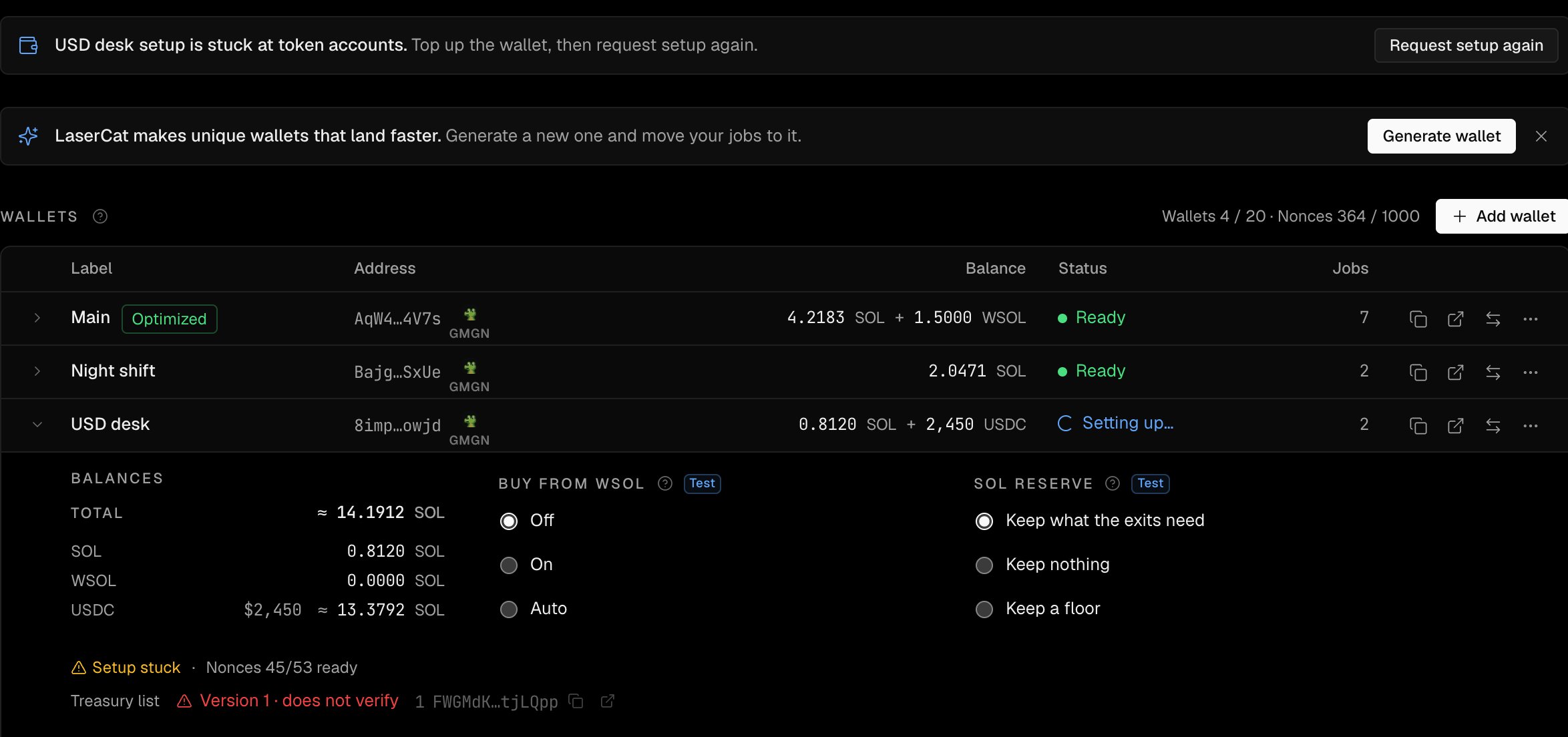
Requests stuck
Withdrawals, wraps, unwraps, and nonce setup are the wallet’s admin requests, and its SOL pays for them. When they stop landing, a ready wallet reads Requests stuck, and the Wallets page shows a callout such as “Admin requests of Night 2 are stuck.” It says why, such as “This wallet’s admin transactions are not landing: its SOL does not pay their fees.”, then “Its withdrawals, Wrap and Unwrap, and nonce setup wait until you top it up. Nothing is lost.”, and how many wait and for how long, such as “3 requests waiting · stuck for 25 min.” Press Copy address, send SOL to the wallet, and the waiting requests go on.Revoke a wallet
Open the wallet’s ⋯ menu and choose Revoke…. The panel asks “Revoke Night 2?”: “No new buys from it. Open positions keep selling.” Press Revoke. It applies at once. Traders and Space Admins can revoke.Reactivate a wallet
Space Admin only. Others see “Only a Space Admin reactivates a revoked wallet.”
Archive a wallet
Space Admin only. Others see “Only a Space Admin archives a wallet.”
Nonce pools
Every wallet has full nonce pools: 128 entry nonces, 50 exit nonces, and one admin nonce. “Entry: buys at once. Exit: about five per open position.” Wrap, unwrap and withdraw queue on the admin nonce. You don’t choose pool sizes. A wallet added earlier with smaller pools keeps them until you change them. In Edit…, its Nonce pools read such as “Entry 64 · exit 40 · + 1 admin”, with Set recommended 128 / 50. Pressing it shows what the change adds, such as “Adds 74 nonces: about 0.08 SOL more of rent, locked until they retire.”, and Keep 64 / 40 takes it back before you save. A pool change applies in about 60 s. If LaserCat set larger pools on a wallet, Edit… shows them and leaves them as they are.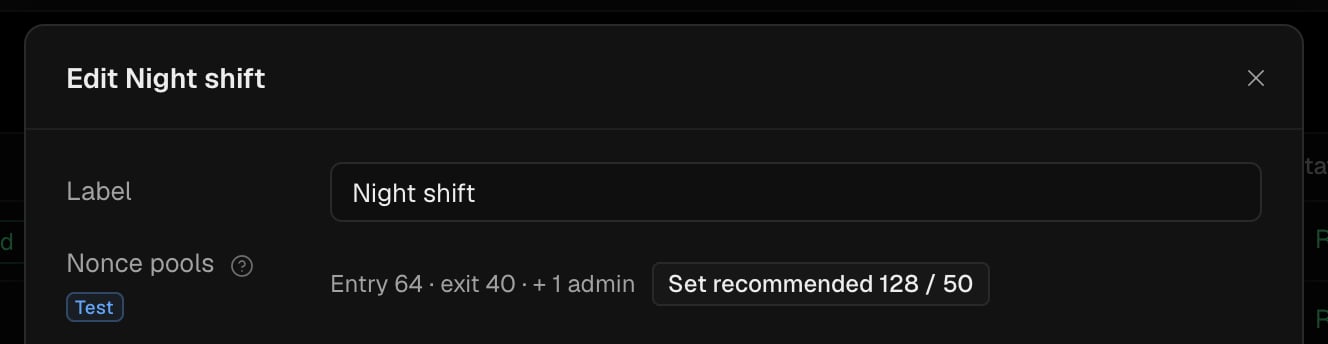
The owner’s nonce limit
The Wallets page header shows the owner’s use against its limits, such as “Wallets 4 / 20 · Nonces 716 / 1000”: wallets not archived, and the nonces of every pool. An archived wallet keeps its admin nonce. A wallet with full pools takes 179 nonces, and an owner’s nonce limit is 1,000 by default: room for five such wallets. When full pools don’t fit, the panel says so: “No room for another wallet with full pools: it needs 179 nonces, 105 are left of 1000.” when you add a wallet, or “The full pools need 179 nonces; 120 are left for this wallet of 1000.” in Edit…. The owner’s limits are in Settings → Owner, and only LaserCat changes them: to raise the nonce limit, write to the LaserCat team. See Account settings.Next
Add a wallet
Generate or import a wallet.
Move jobs
Move jobs to an optimized wallet.