

Traders and Space Admins paste and replace. Viewers can export.
Paste in bulk: adds only
On the Entries tab, press Paste in bulk and paste one entry per line. “Only adds — nothing is removed; an own amount or preset a line leaves out stays as it is.”- A new key becomes an entry.
- A removed entry with that key comes back, with its amounts, preset and own settings.
- An amount or a preset that a line names is set on the entry. Its dollar amount, buying switch, group, note and own settings stay as they are.
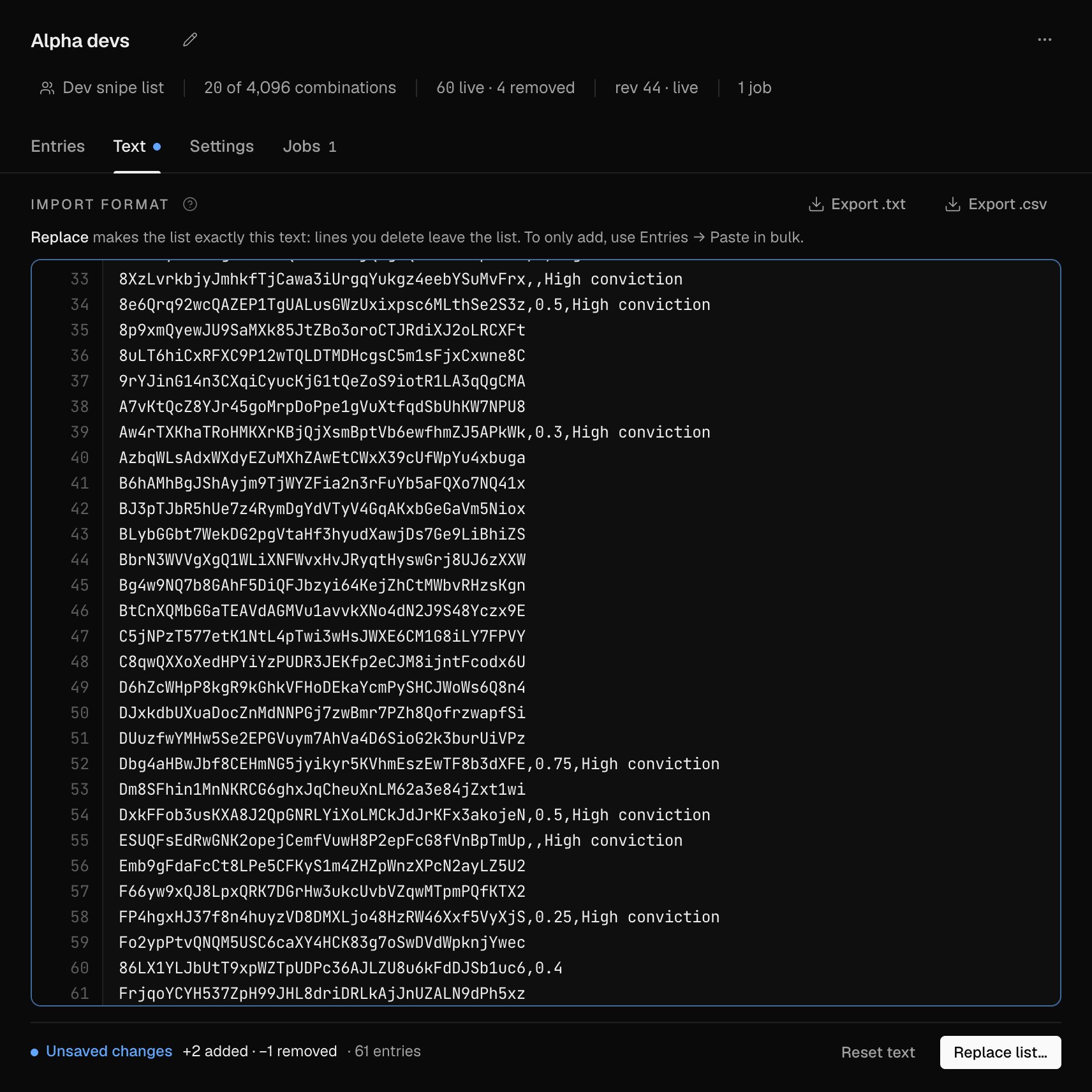
Replace list…: exactly the text
The Text tab shows the whole list in the line format, and you edit it there. “Replace makes the list exactly this text: lines you delete leave the list.”- The summary shows what would change, such as “+2 added · −1 removed · 3 amounts changed · 1 preset changed”, or “Matches the list”.
- In a dev snipe list, “each entry becomes its line: an own amount or preset the line leaves out is cleared.” Its dollar amount, buying switch, group, note and own settings stay.
- Replace list… asks you to confirm. Removed devs leave every job that uses the list. An empty text empties the list.
- If the list changed after the text was loaded, the tab says “The list changed.” Press Reload text to start from the current list, or Keep my text to replace it anyway.
- Reset text drops your edits. An edited text stays while you switch tabs or lists, and the Text tab shows a dot.
Line formats
Dev snipe list: one dev per line, in one of these forms.<sol>is the dev’s own amount in SOL, with at most 9 decimal places.<preset>is an active preset’s exact name or its id, up to the end of the line. When several active presets share a name, name it by its id.pubkey,,<preset>names a preset with no amount. Exports write it this way.
WIF. Letters are upper-cased. A ticker is at most 64 bytes, with no control or invisible characters.
Dev blocklist: one pubkey per line. Anything after a comma is ignored, so a dev snipe list’s export imports as it is.
Copy list: the dev snipe list’s forms, then | and the wallet’s label. See Copy lists.
For every kind, lines are trimmed, empty lines are skipped, and when a key repeats, the last line wins. A text holds at most 100,000 lines that aren’t empty, 512 characters a line, and names at most 1,000 presets. One bad line stops the whole write: nothing is written.
Export .txt and .csv
Export .txt and Export .csv are on the Text tab and in the list’s ⋯ menu. The file takes the list’s name, such asAlpha devs.txt.
- An export holds the live entries, sorted by key.
- A .txt file uses the line format. A dev snipe list’s file names each entry’s preset: by its name when only one active preset has it, else by its id. You can paste the file back, or replace with it, as it is.
- A .csv file has the columns
key,sol,preset,notefor a dev snipe list, andkey,notefor ticker lists and dev blocklists. - An entry’s dollar amount, buying switch, group and own settings are not in the file. A replace with it keeps them as the list holds them.
The 100,000 limit
A list holds at most 100,000 live entries. An edit that would pass the limit is refused before anything is written: “Too many entries.” The panel says how many the list would hold, then “remove some first.” Removed entries don’t count.Next
List entries
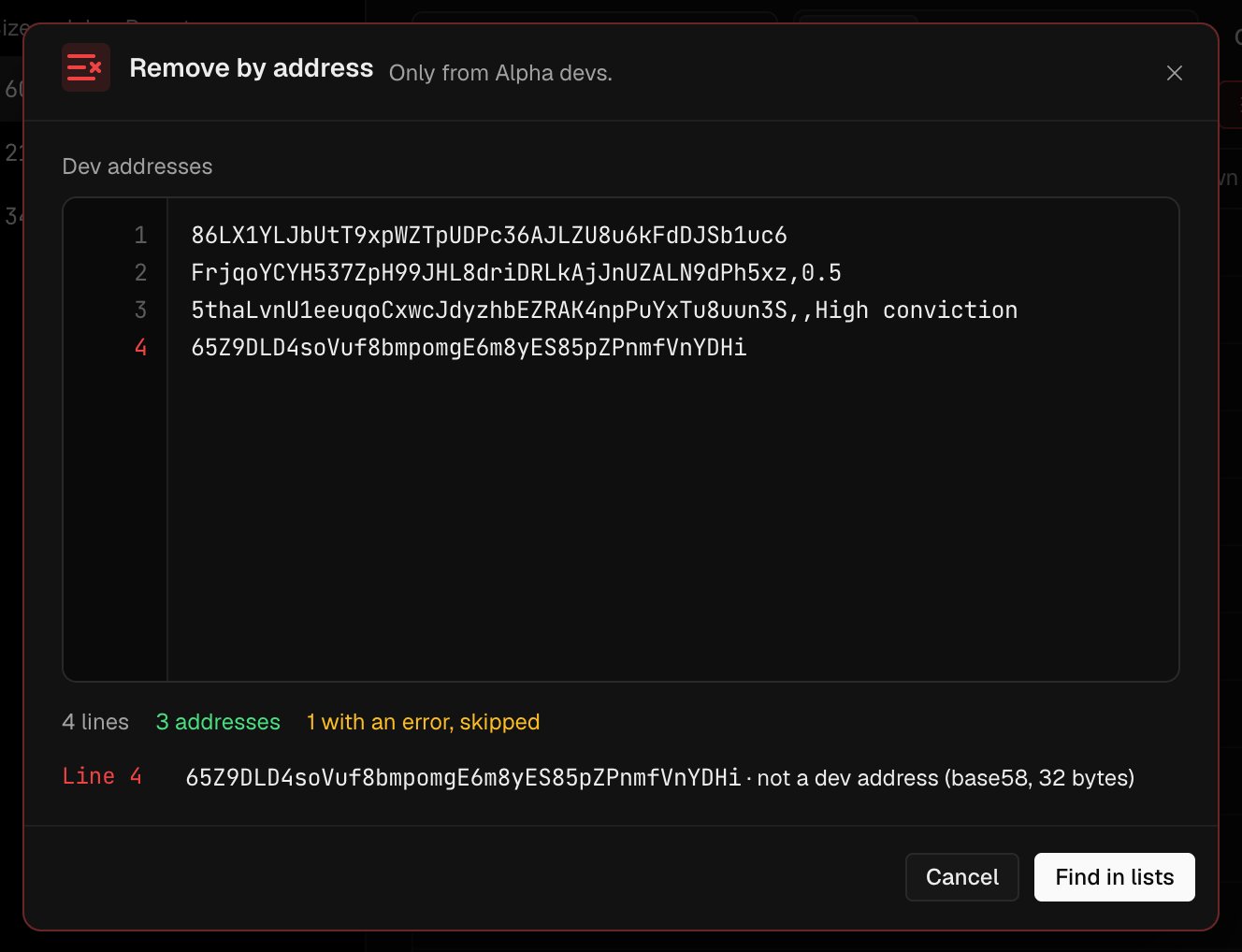
Edit one entry at a time, or remove many by address.
List statuses
What happens after a write.